

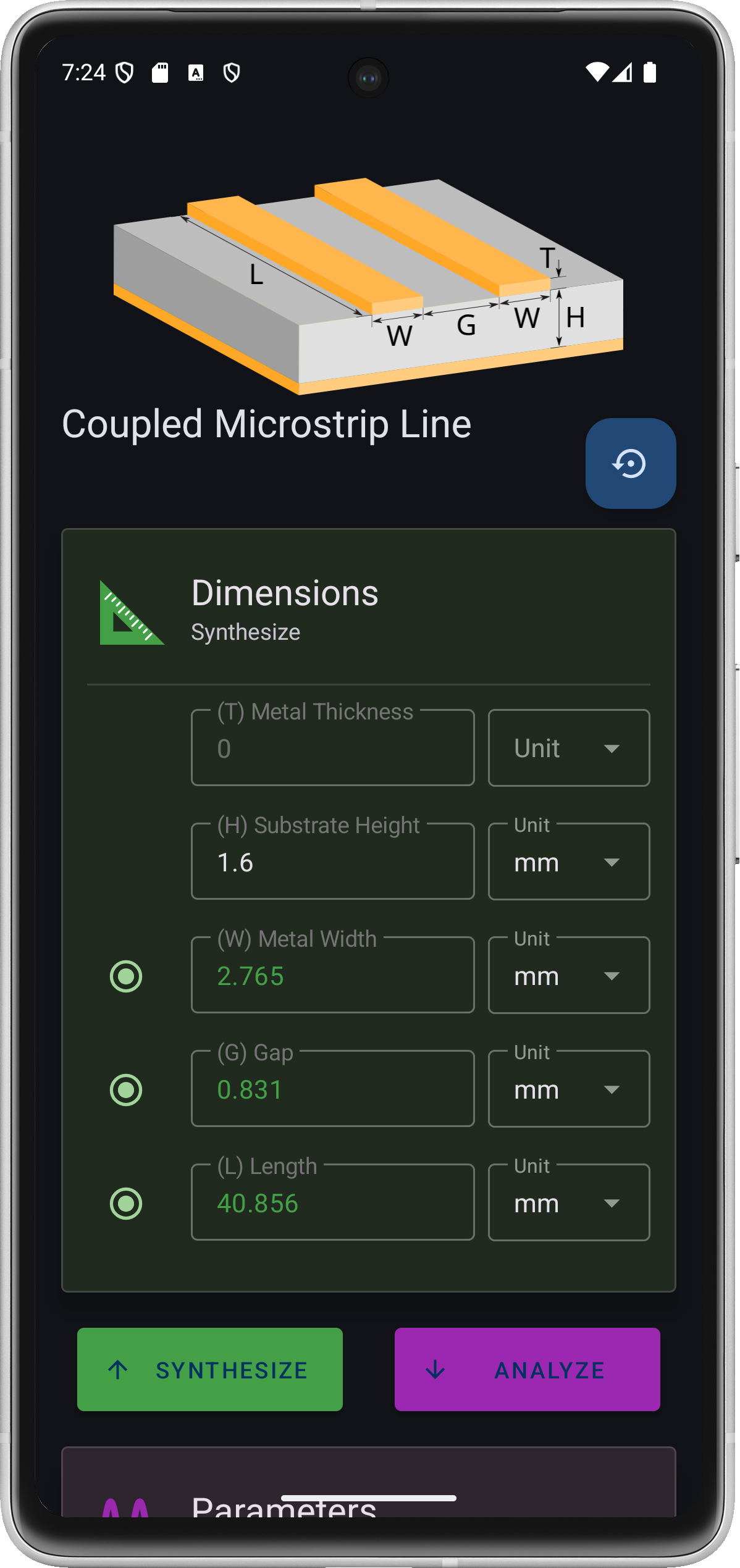
Tx-Line Calculator is an Android app for RF and microwave engineers. Enter the physical dimensions of a transmission line to get its impedance and electrical length, or enter the impedance and length you need and let it find the dimensions.
Background
A class project that stuck around
This project started as a part-time hobby during my undergraduate studies. I was taking an RF and microwave circuits course at the time, and Android was just emerging as a mobile platform. It was a natural exercise to combine what I was learning in class, transmission line theory and microwave circuit design, with the challenge of building an Android app from scratch.
I have kept it alive and updated it now and then ever since. The most recent rounds gave it a Material 3 look with a dark theme, new line diagrams, and in 2026 a full move from Java to Kotlin on the current Android SDK.
Two Ways to Solve
Every screen works in both directions
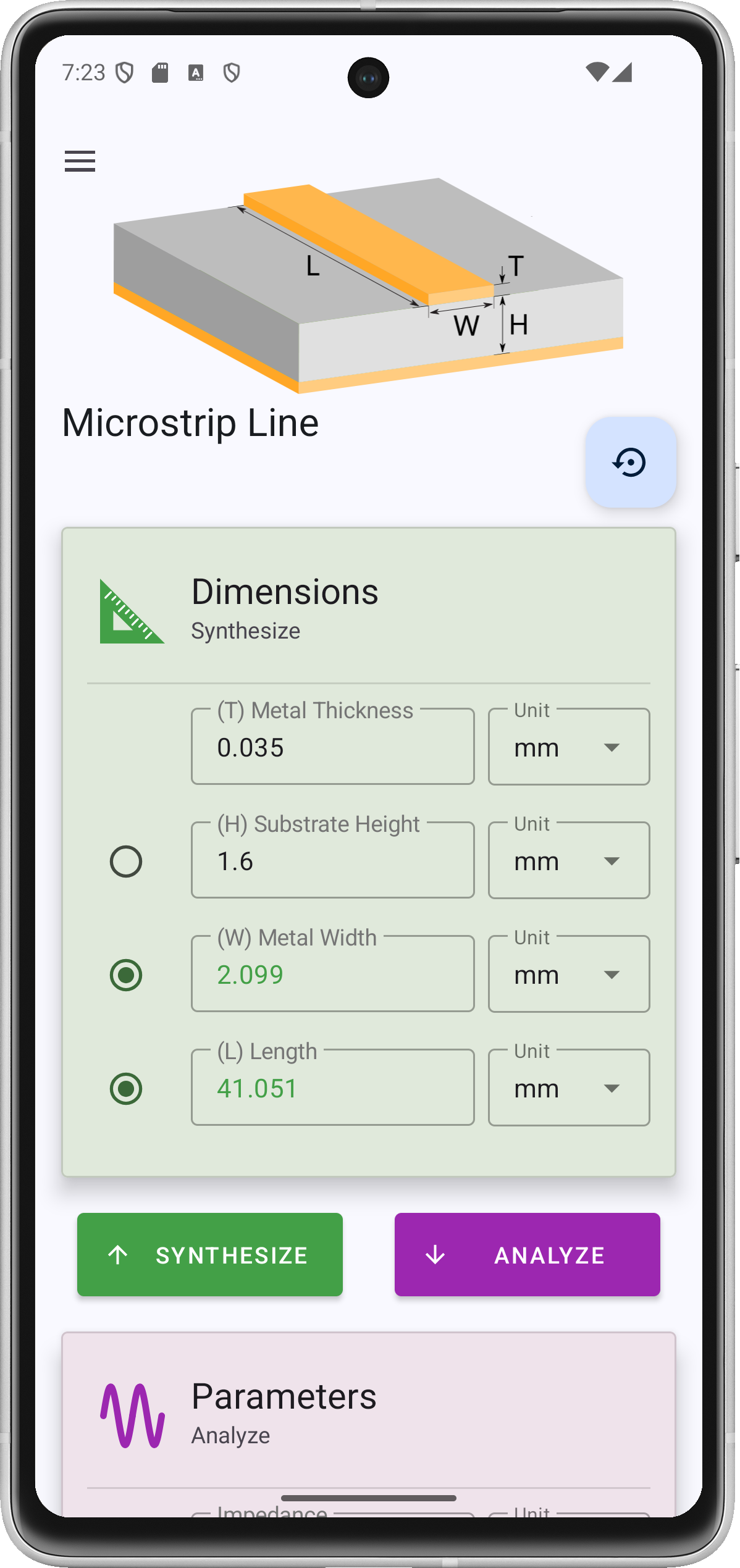
Analyze
Use it to check a layout you already have: what impedance does this trace on this board really give at 5 GHz?
Synthesize
Use it at the start of a design: a radio button marks which dimension to solve for, and everything else stays fixed.
Supported Lines
What each one can solve for
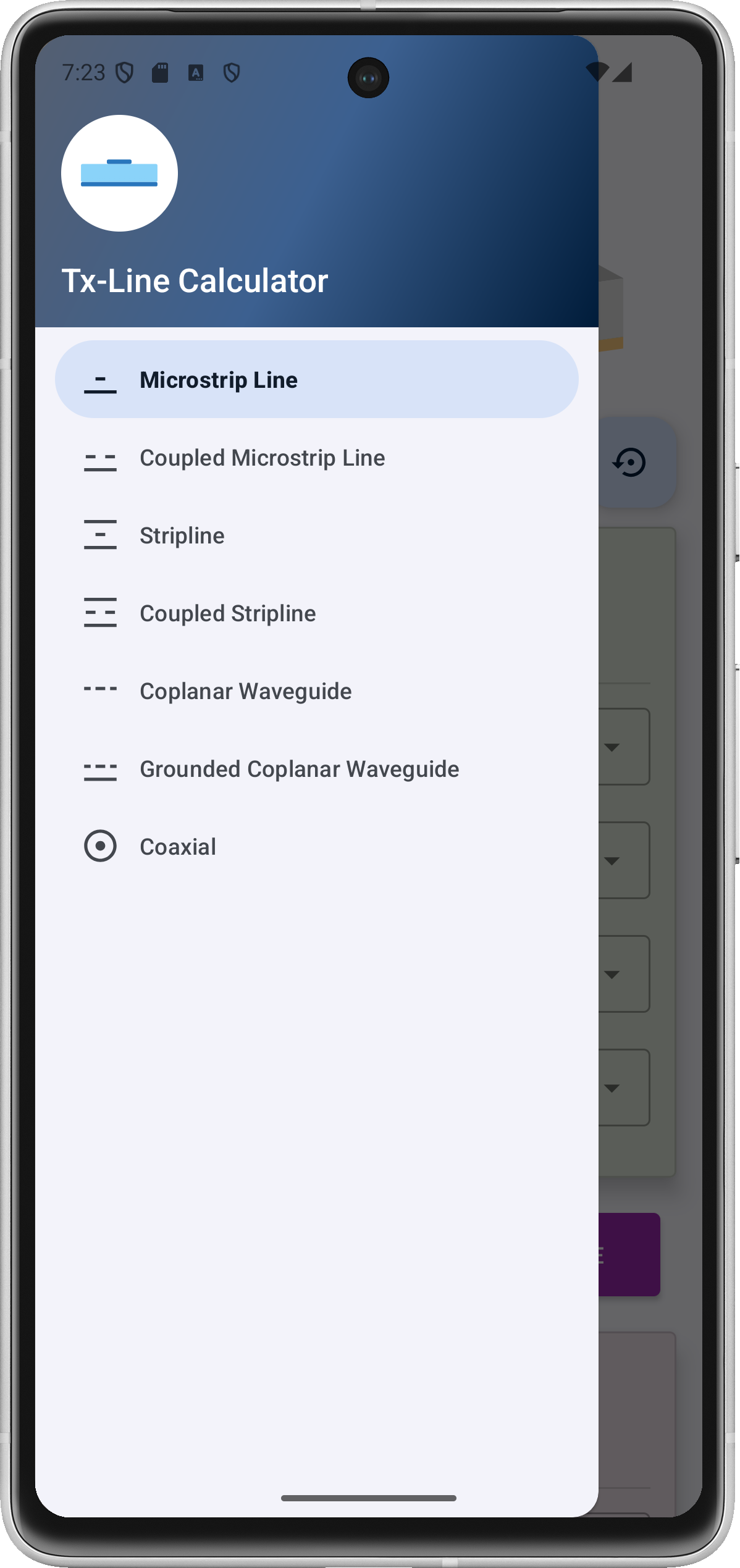
| Line | Synthesize | Results | Model |
|---|---|---|---|
Microstrip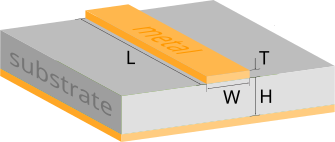 | WHL | Z0 · electrical length | Hammerstad and Jensen, with metal thickness correction and Kirschning and Jansen frequency dispersion |
Coupled microstrip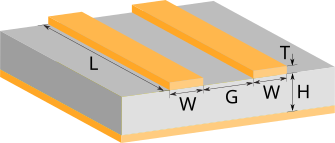 | WGL | Z0e · Z0o · Z0 · k · electrical length | Kirschning and Jansen even and odd modes, with dispersion |
Stripline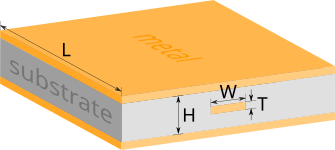 | WHL | Z0 · electrical length | Exact elliptic-integral solution for thin strips, closed-form correction for thick ones |
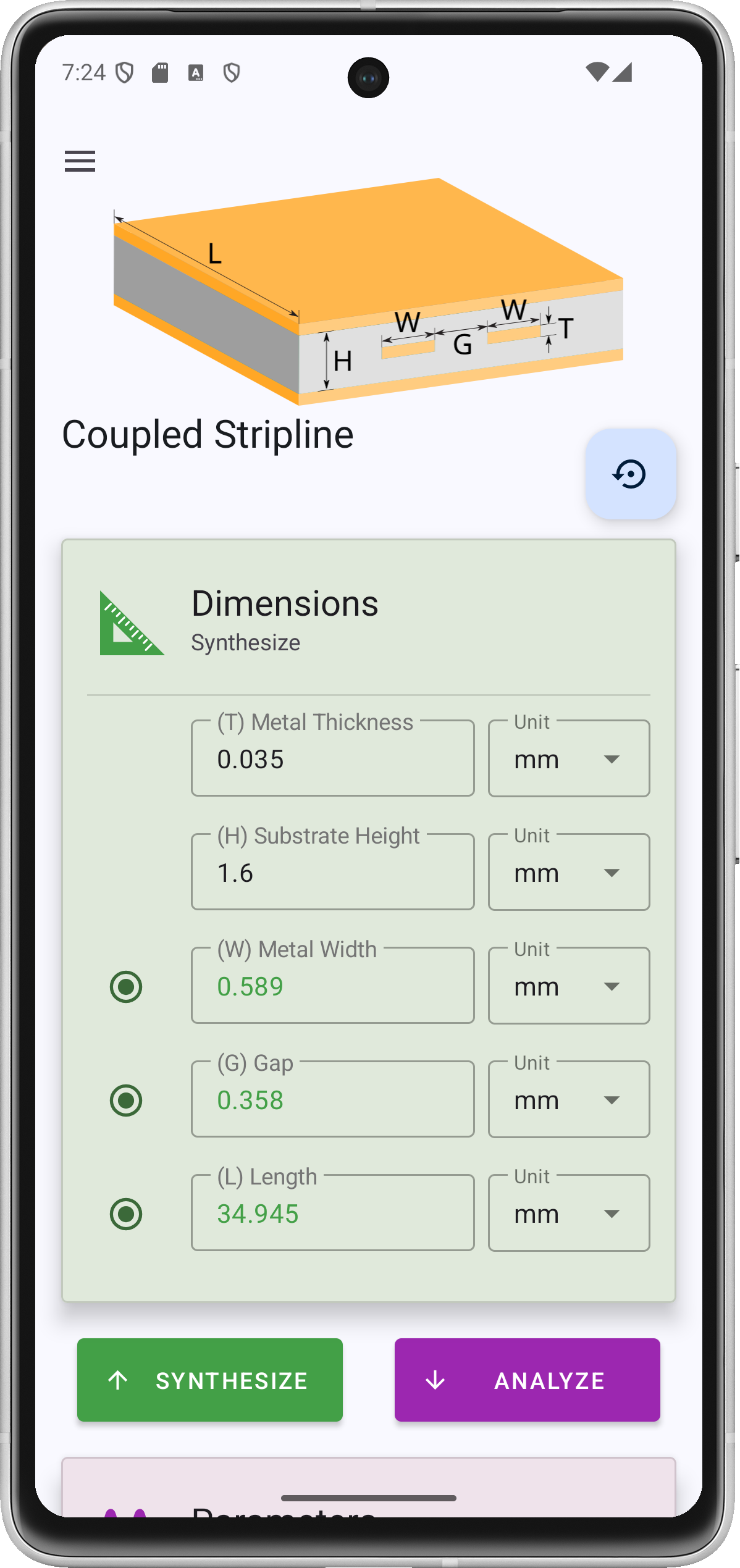
Coupled stripline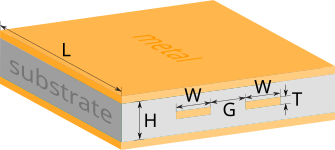 | WGL | Z0e · Z0o · Z0 · k · electrical length | Cohn, including fringing capacitance for finite thickness |
Coplanar waveguide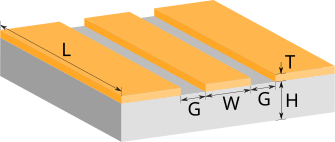 | WGHL | Z0 · electrical length | Conformal mapping (Wadell) |
Grounded CPW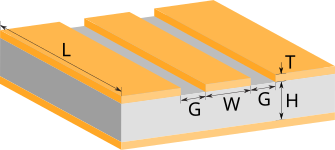 | WGHL | Z0 · electrical length | Conformal mapping with a bottom ground plane (Wadell) |
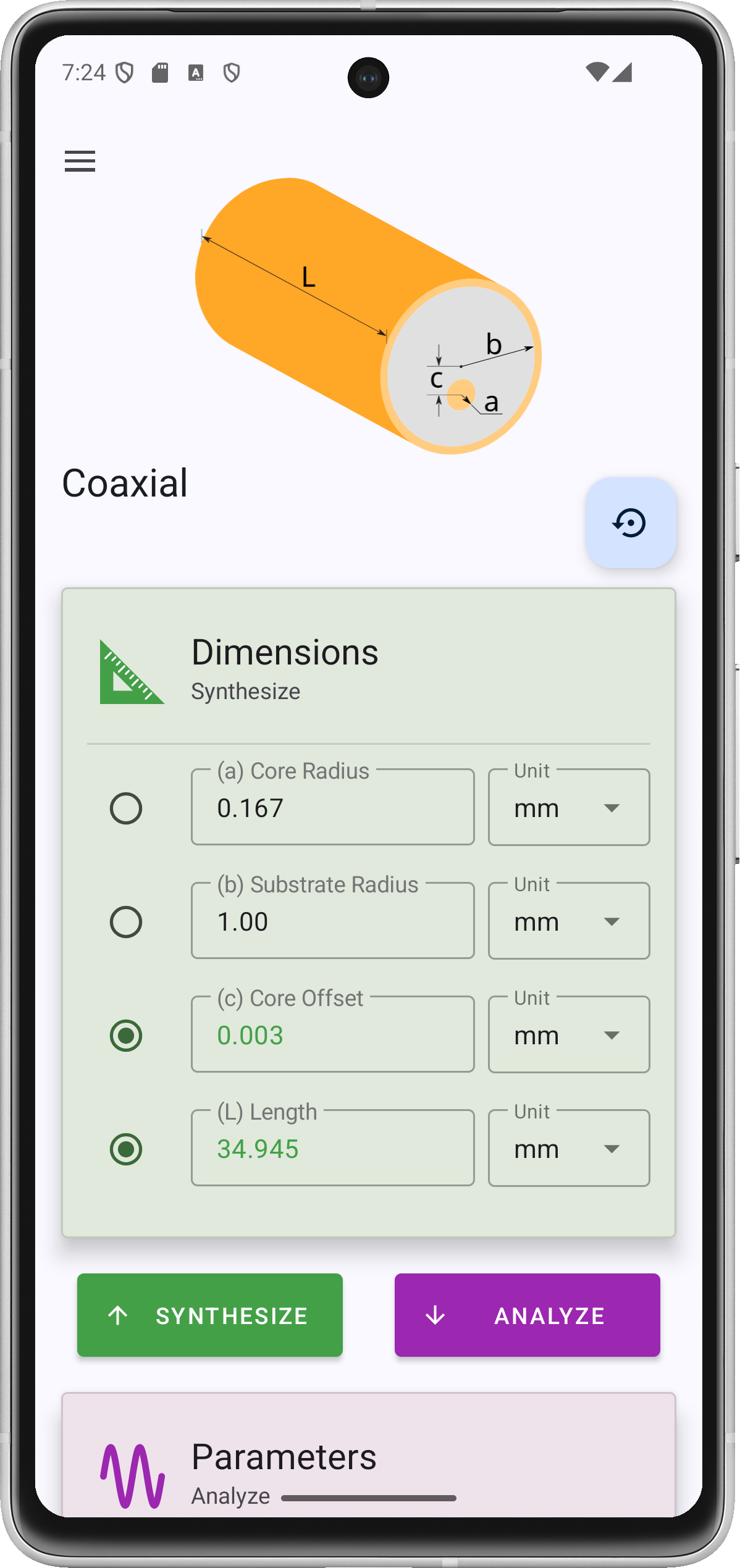
Coaxial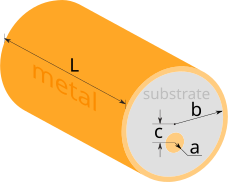 | abcL | Z0 · electrical length | Closed form, including an off-center inner conductor (offset c) |
W width · G gap · H substrate height · L length · a inner radius · b outer radius · c inner conductor offset. Lengths can be entered in mil, mm, or cm, and frequency in MHz or GHz, each field with its own unit.
Under the Hood
Closed-form models · iterative synthesis
Analysis runs the published equations once, so it is instant. Synthesis has no closed form for most lines, so the solver runs the analysis repeatedly: it first finds a range that contains the target impedance, then narrows in with quasi-Newton iterations until it converges. Coupled lines solve for width and gap together. Everything runs on the phone, with no network access.
Get Started
Install it, or build it yourself
Install
Free on Google Play for Android 11 (API 30) and newer.

Questions or wrong numbers? Open an issue on GitHub.
Build from source
Needs the Android SDK and JDK 17. The Gradle wrapper fetches everything else:
git clone https://github.com/rookiepeng/tx-line-calculator.git
cd tx-line-calculator
./gradlew build
On Windows, run gradlew.bat build. Or open the folder in Android Studio and run the mobile module.